

Snap the receipt in the field. File it to the job before it fades.
Photograph a receipt, tag the vendor, amount, project and cost code, and it lands in that project's Receipts folder next to the daily report and timesheets.
- Photograph a receipt in the field
- Tag vendor, amount, project and cost code
- A Receipts folder on every project
- Export for bookkeeping
14-day free trial · No credit card required to start · Cancel anytime
Capture it where it happens
Take the photo at the counter or in the truck. Tag the vendor, amount, project and cost code before it gets lost.
- Receipt photo
- Vendor
- Amount
- Project
- Cost code
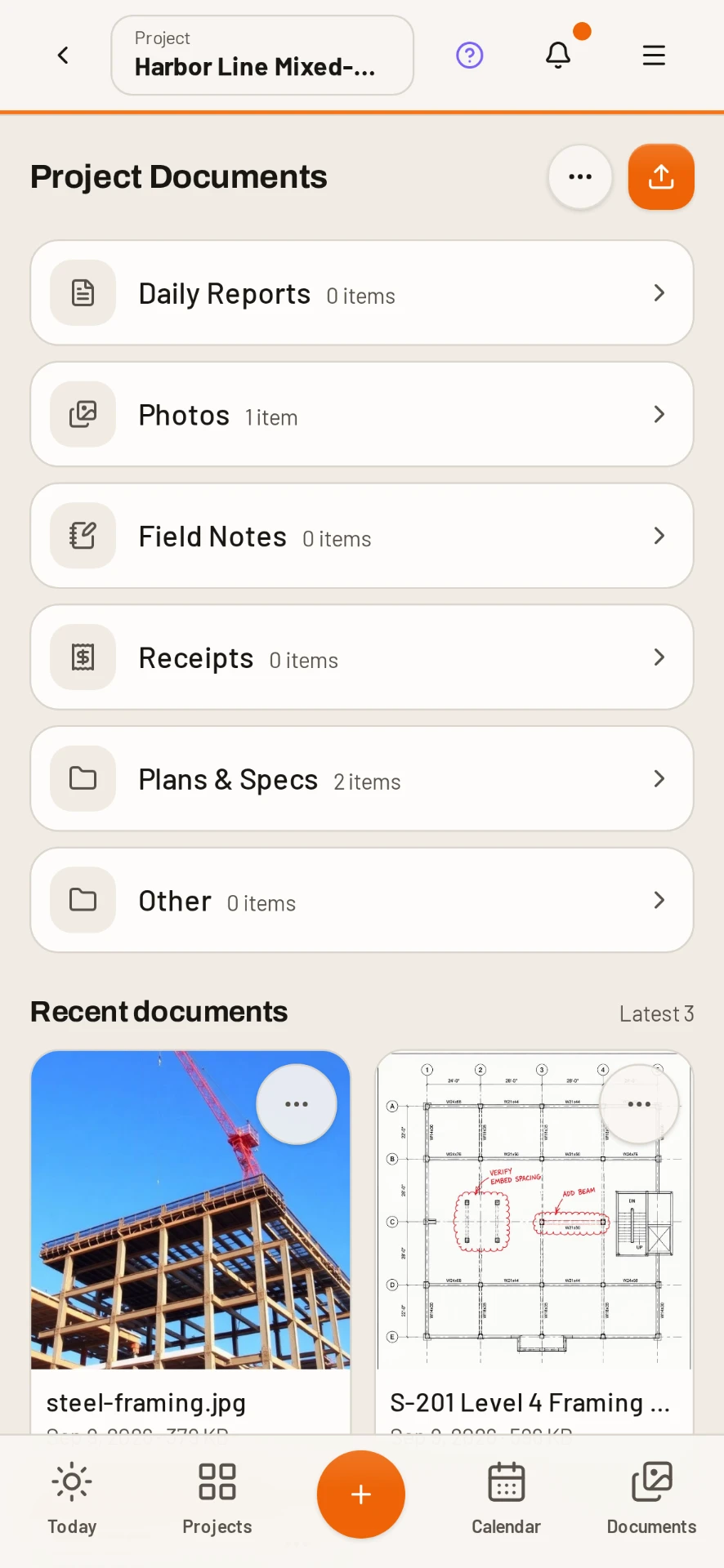
Every project has a Receipts folder
Receipts are filed to the project they belong to, so each job keeps its own record.
Next to the report and timesheets
Expenses stay attached to the project record alongside the daily report and timesheets, so labor and spend for a job sit in one place.
Export for bookkeeping
Pull the expenses out for your bookkeeper instead of retyping them from paper. Company-wide payroll hours, expenses and mileage are reviewed together for accounting.
Included on every plan
Every feature is included on every plan, starting at $49/mo with unlimited users.
Common questions
Can the field add receipts from a phone?
Yes. Photograph the receipt and tag vendor, amount, project and cost code.
Where do receipts go?
Each project has its own Receipts folder, and expenses stay on the project record next to the daily report and timesheets.
Can I export expenses?
Yes. Expenses can be exported for bookkeeping.
Is expense tracking an add-on?
No. Every feature is included on every plan, with unlimited users.
Try it on your next job
Set up a project in a few minutes and put your whole crew on it for free.
14-day free trial · No credit card required to start · Cancel anytime
Quick answer
How do contractors track jobsite receipts?
The simplest way is to capture each receipt the moment it is handed over: a photo, the vendor, the amount, the project and the cost code.
DailyBuild does that on the phone and files the receipt to the project, so the office is not chasing crumpled paper at the end of the month.
| What it is | Construction field management software (daily reports, timesheets, photos, tasks, documents) |
|---|---|
| Pricing model | Per active project, not per user |
| Plans | Starter $49/mo (1 project), Team $149/mo (5), Pro $249/mo (15), Business $399/mo (30) |
| Users included | Unlimited on every plan |
| Free trial | 14 days, every feature included |
| Platforms | Native iOS and Android apps, plus any desktop web browser |
| Best for | General contractors and subcontractors running 1 to 30 active jobs who want the daily report done before leaving site |
Full plan details on the pricing page.