

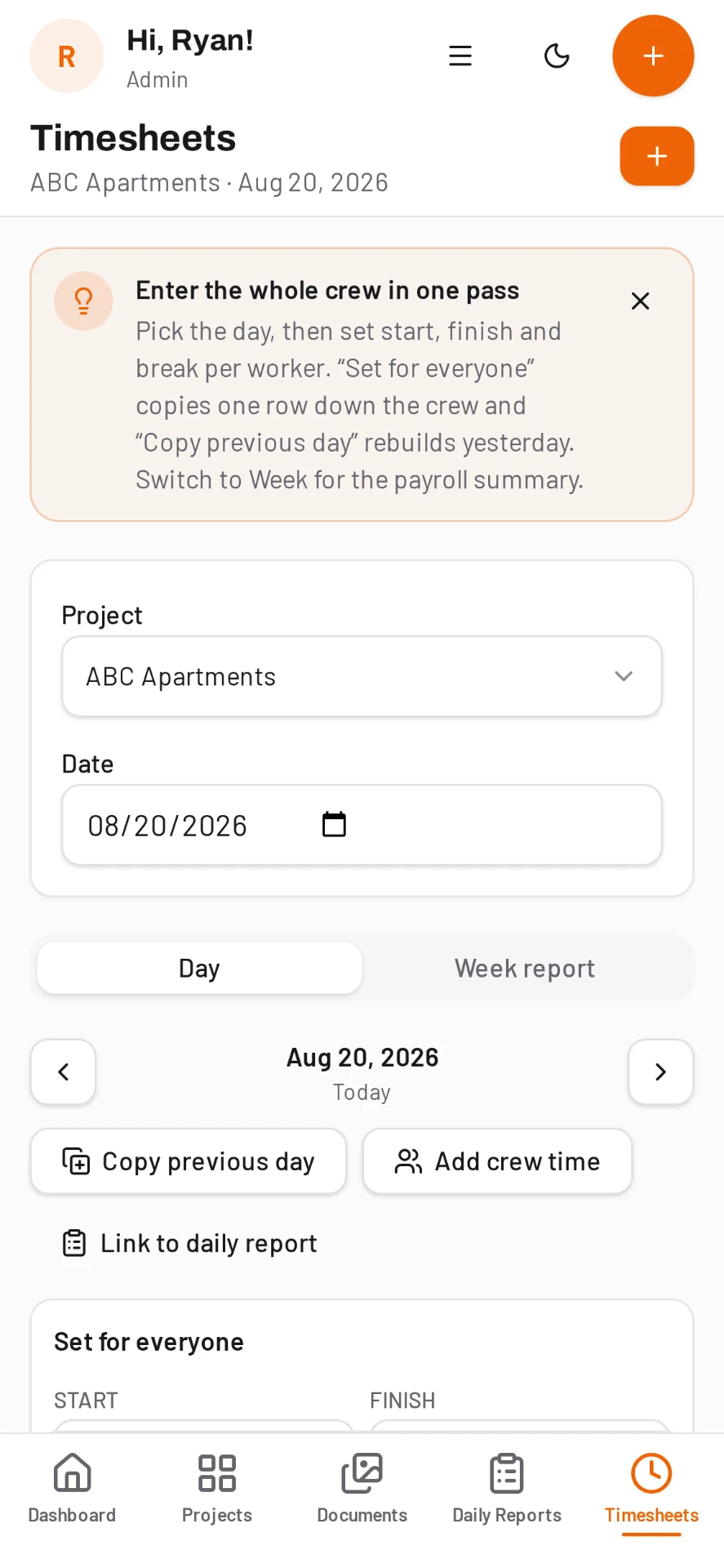
Construction timesheets entered for the whole crew at once.
Nobody wants to tap through ten screens to record ten people. DailyBuild puts the day on one screen so the foreman fills it in before he leaves the trailer.
- Day-first entry: the whole crew on one screen
- Set the same hours for everyone in one tap
- Copy previous day for repeat schedules
- Cost code on every line
14-day free trial · No credit card required to start · Cancel anytime
Payroll, mileage and expenses
A company-wide payroll view brings hours together with expenses, mileage and receipts, so accounting reviews everything for the period in one place.
Payroll review, then QuickBooks
People with payroll access review the week and approve it. Approved time is locked so it cannot drift, and it syncs to QuickBooks Online once your admin has connected it. DailyBuild does not run payroll.
- Regular, overtime and total hours everywhere
- Detail, summary and cost code exports
- Subcontractor labor kept separate
- Approved hours sync to QuickBooks Online
Built for how crews actually log hours
Pick the day, pick the crew, enter hours. Two shortcuts do most of the work: set the same hours for everyone, or copy the previous day and adjust the exceptions.
- Regular and overtime hours
- Cost code per line
- Notes on individual entries
- Reusable crews and worker roster
- Subcontractor hours alongside your own
- Offline entry that syncs later
A week view your payroll clerk can use
The week view rolls the days up per worker and per project so you can review and correct before payroll runs, then export straight to Excel. No retyping from paper, no lost tickets in a truck door.
Hours flow into the daily report
Because timesheets and daily reports live in the same project, the hours entered for the day import into the report instead of being typed twice. Labor by cost code is available for job costing exports the same day.
Costs stay hidden from the people who shouldn't see them
Roles decide who sees money. Inspectors and viewers see the work, not the rates, unit costs or receipt amounts, and every seat is free either way.
Common questions
Can I enter time for the whole crew at once?
Yes. Timesheets are day-first, so you see every crew member on one screen and can set the same hours for everyone in one tap.
Can I track hours against cost codes?
Yes. Import your cost code list and tag each timesheet line, then export labor by cost code to Excel.
Does the crew need their own logins?
Only if you want them. Users are unlimited and free, so you can add everyone or let the foreman enter for the crew.
Can I export to payroll?
Yes. The week view exports to Excel for payroll and job costing.
Try it on your next job
Set up a project in a few minutes and put your whole crew on it for free.
14-day free trial · No credit card required to start · Cancel anytime