

A defensible record of every single day.
Project engineers and PMs get the documentation trail that settles disputes: dated entries, photo evidence, delay logs, drawing versions and clean exports, across every job you run.
14-day free trial · No credit card required to start · Cancel anytime

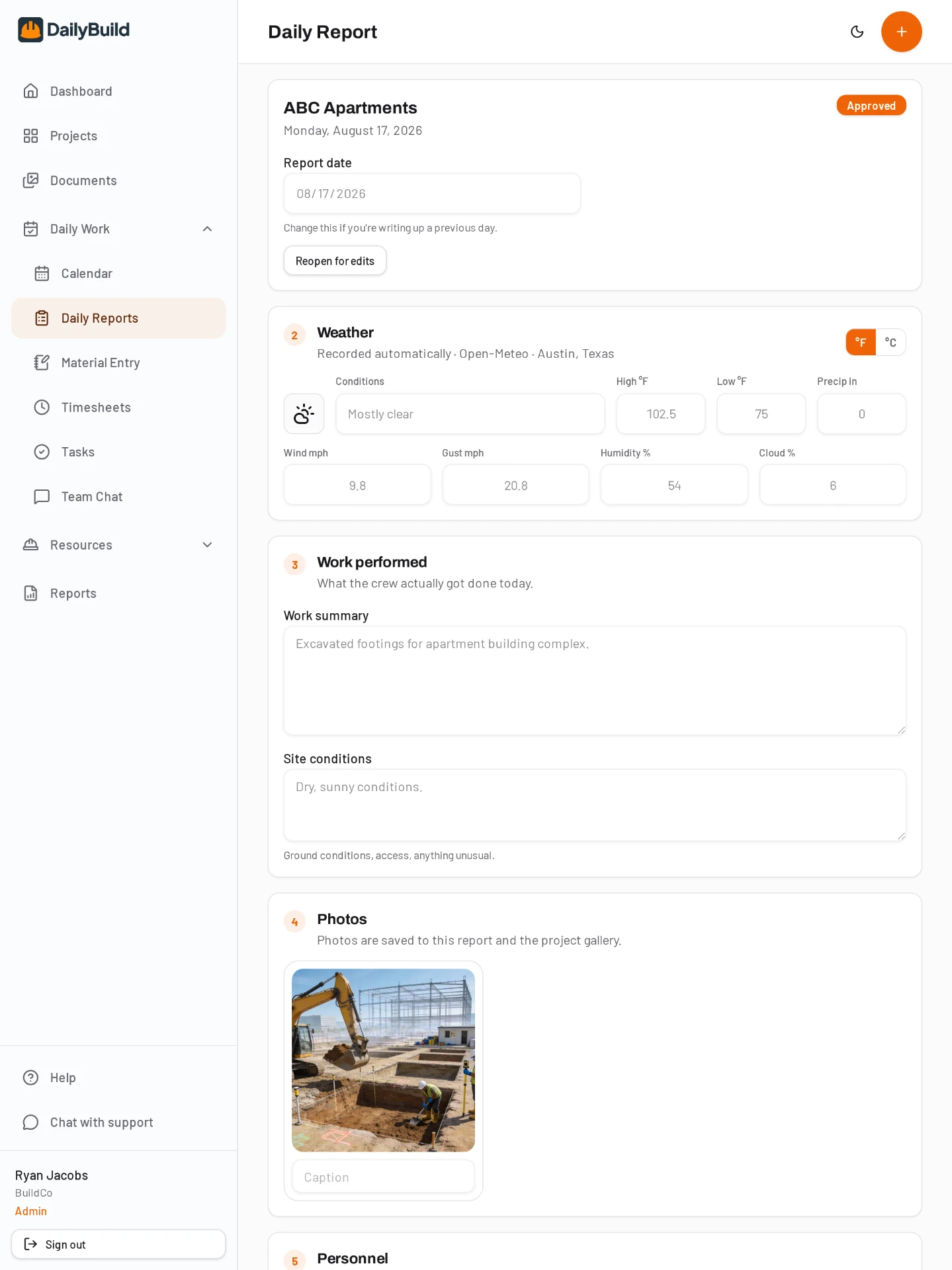
Real results from contractors that replaced paper and spreadsheet reporting with DailyBuild.







What today looks like without DailyBuild
Delays with nothing behind them
You know the week was lost to weather and a late delivery. Proving it six months later is another matter.
Drawings in five places
Email, a shared drive, someone's phone. The crew builds off a revision that was superseded weeks ago.
Reporting assembled by hand
Owner updates get rebuilt every week from spreadsheets and screenshots instead of pulled from the record.
A day in the life
Four taps. The whole day, documented.
Yesterday, across every project
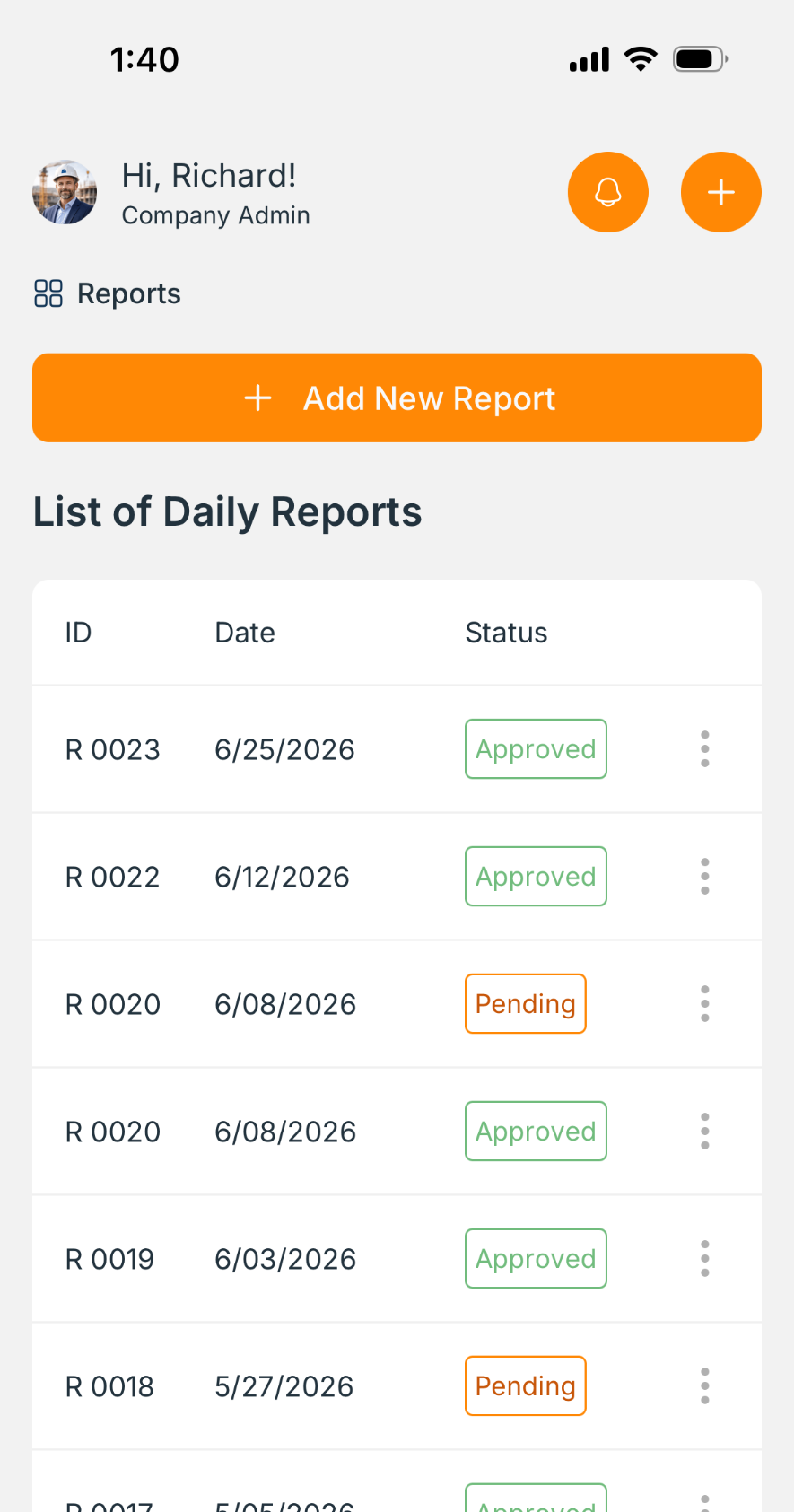
One dashboard shows which jobs reported, which went quiet, and where hours and headcount moved. No chasing for status.
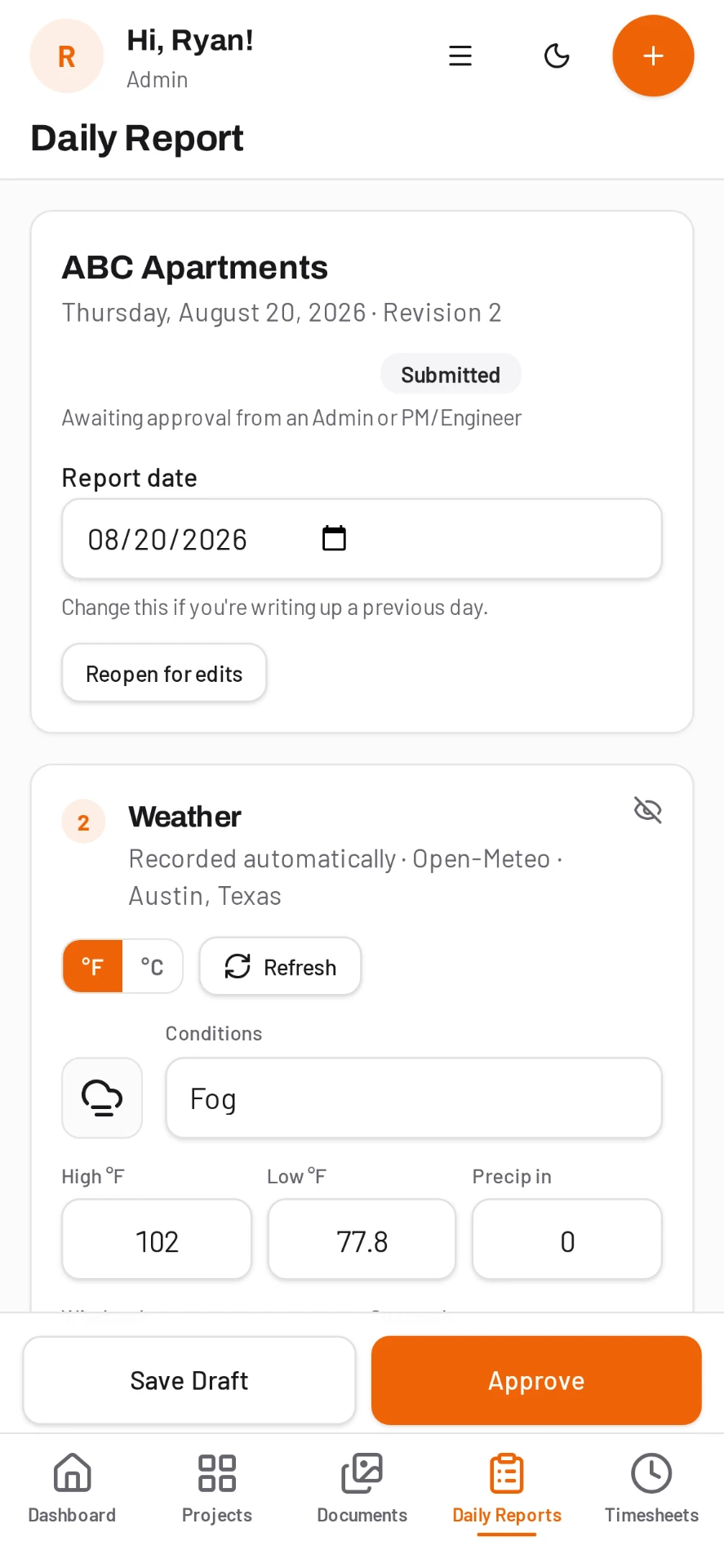
Delays logged the day they happen
Weather, access, late material or an RFI holding work. Each one is dated, described and backed by photos while the detail is fresh.
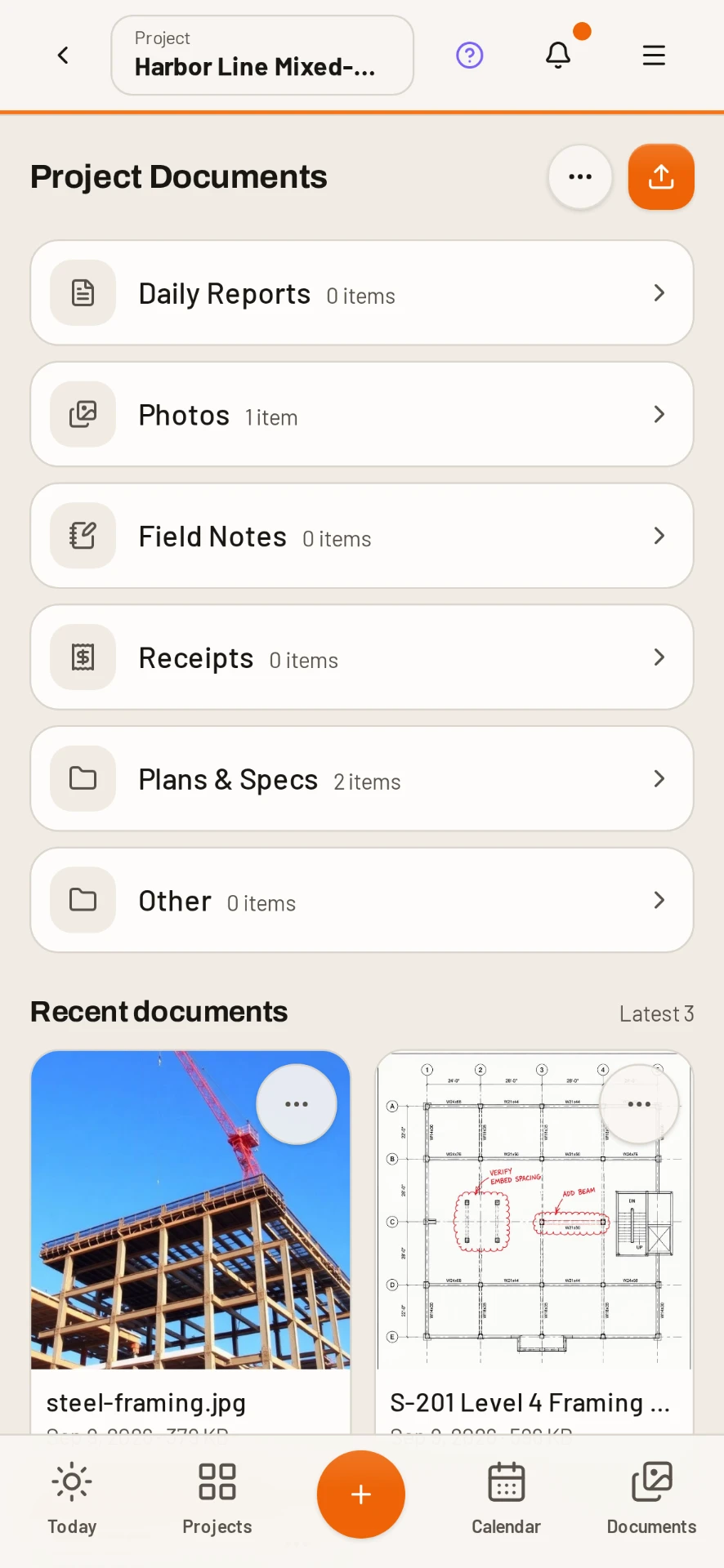
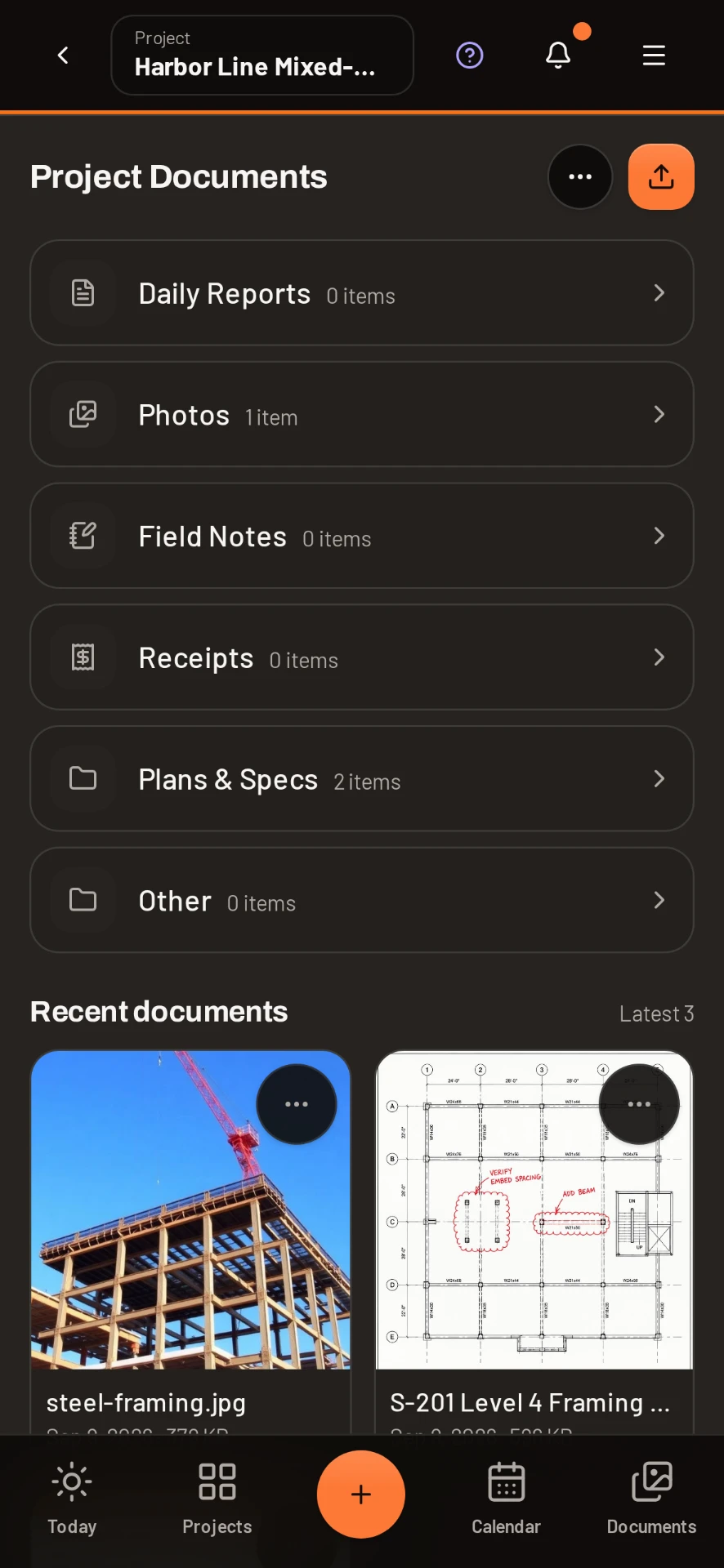
Drawings marked up and versioned
Upload the revision, mark it up in the app, and everyone opens the current set. Old versions stay on the record instead of disappearing.
Owner update straight from the record
Pull a branded PDF or Excel export of reports, hours, photos and open items. The update writes itself.
The output
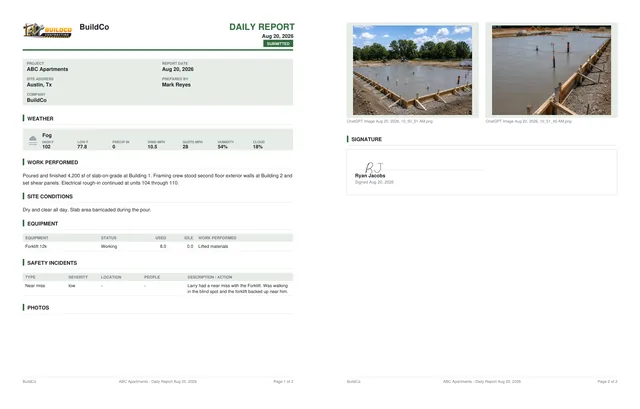
A branded PDF report, filed automatically.
Every completed report becomes a clean, professional PDF with your logo, weather, work performed, equipment, safety incidents, photos and a signature - ready to send to the owner the moment it is submitted.
Everything included
One app instead of five subscriptions.
In the field
Weather fills itself, crew and hours carry over, sign on screen and the PDF is filed.
Day-first entry by crew and cost code, ready for payroll export.
Snap from the report, tagged to the project, date and location automatically.
Assign work, set due dates and see what is open across every job.
Project-scoped messaging so field questions stop living in text threads.
Basements, tunnels and rural sites. Entries sync the moment signal comes back.
Safety and quality
Pick a topic from the library, run the talk, capture the sign-in sheet.
Scored checklists where a failed item can open a punchlist item on the spot.
Hazards, controls and required PPE recorded per task before work starts.
OSHA recordable tracking with days away, root cause and corrective actions.
Who is certified, what expires when, and who is still missing a card.
Before and after photos, assignment to the sub, verification sign-off.
In the office
Upload plans and specs, mark up PDFs and keep every version in order.
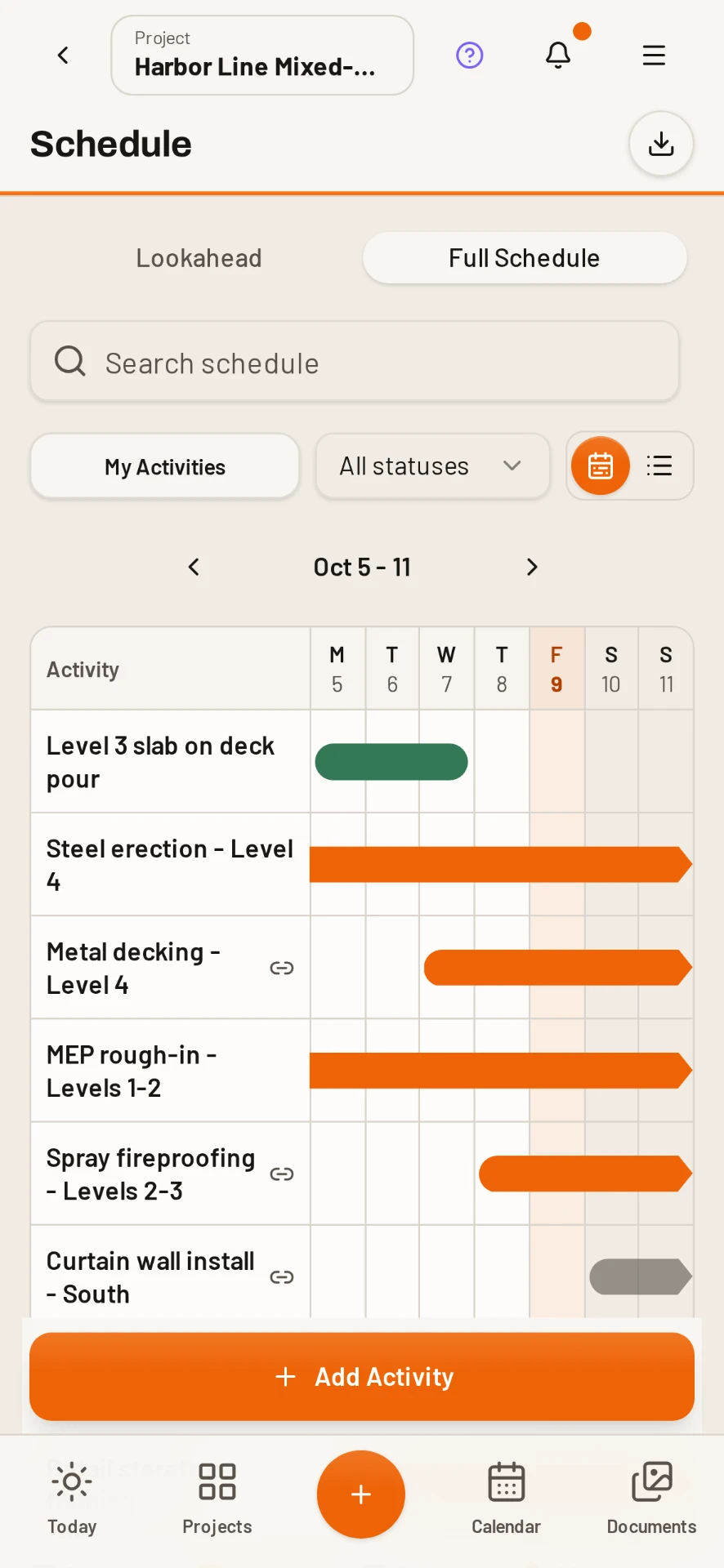
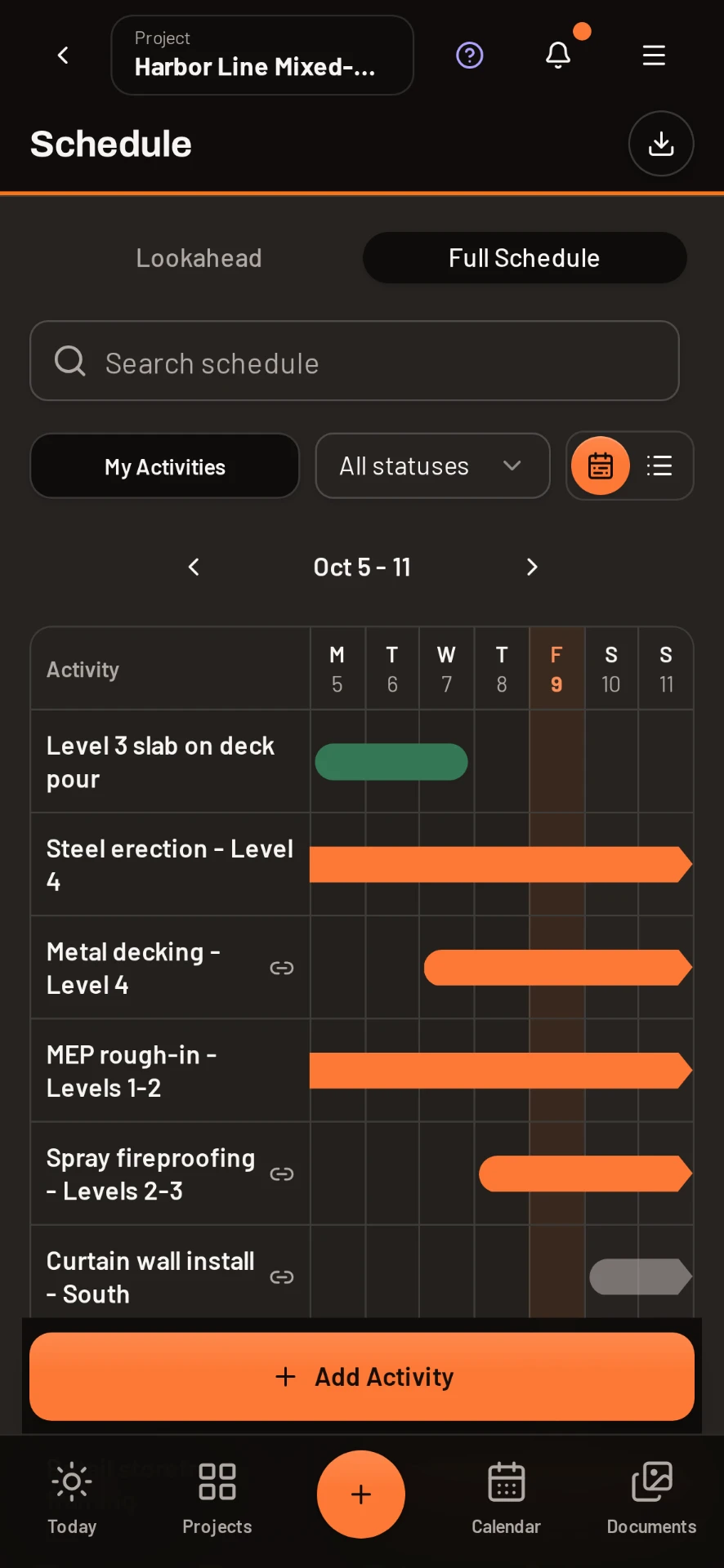
Deliveries, inspections, milestones and delays on one project timeline.
PDF and Excel exports with your logo, ready to send to owners and clients.
Every active job in one dashboard, so nothing goes quiet without you noticing.
Give owners, subs and inspectors exactly what they should see, nothing more.
Plans are priced by active projects. Add the whole crew, office and client at no extra cost.
New: Daily AI
Ask the specs a question, get the answer with the page it came from
Daily AI reads your plans, specs, submittals and contracts. Ask "what is the fire rating on the corridor walls?" and get the answer in seconds with the exact file and page cited, so you can verify it before you rely on it.
- Searches plans, specs, submittals and contracts
- Every answer cites the file and page
- Drafts RFIs straight from a question
- Never mixes one company's data with another's
Document control
Current drawings in every pocket, old versions still on file
Plans, specs, submittals and RFI backup live in one library. Mark up PDFs in the app, publish the new version, and the field always opens the latest set while the history stays intact.
- PDF markup without a second app
- Version history on every document
- Role-based access for subs, owners and inspectors
- Documents linked to the project, not to a person's inbox
Claims and change
Delay and change documentation that holds up months later
Every day carries weather, manpower, equipment, notes and photos with a timestamp. When a claim or back charge shows up, the evidence is already assembled instead of reconstructed.
- Dated entries with photo evidence
- Weather captured from the project address
- Manpower and hours by cost code
- Branded PDF and Excel exports for the owner or counsel
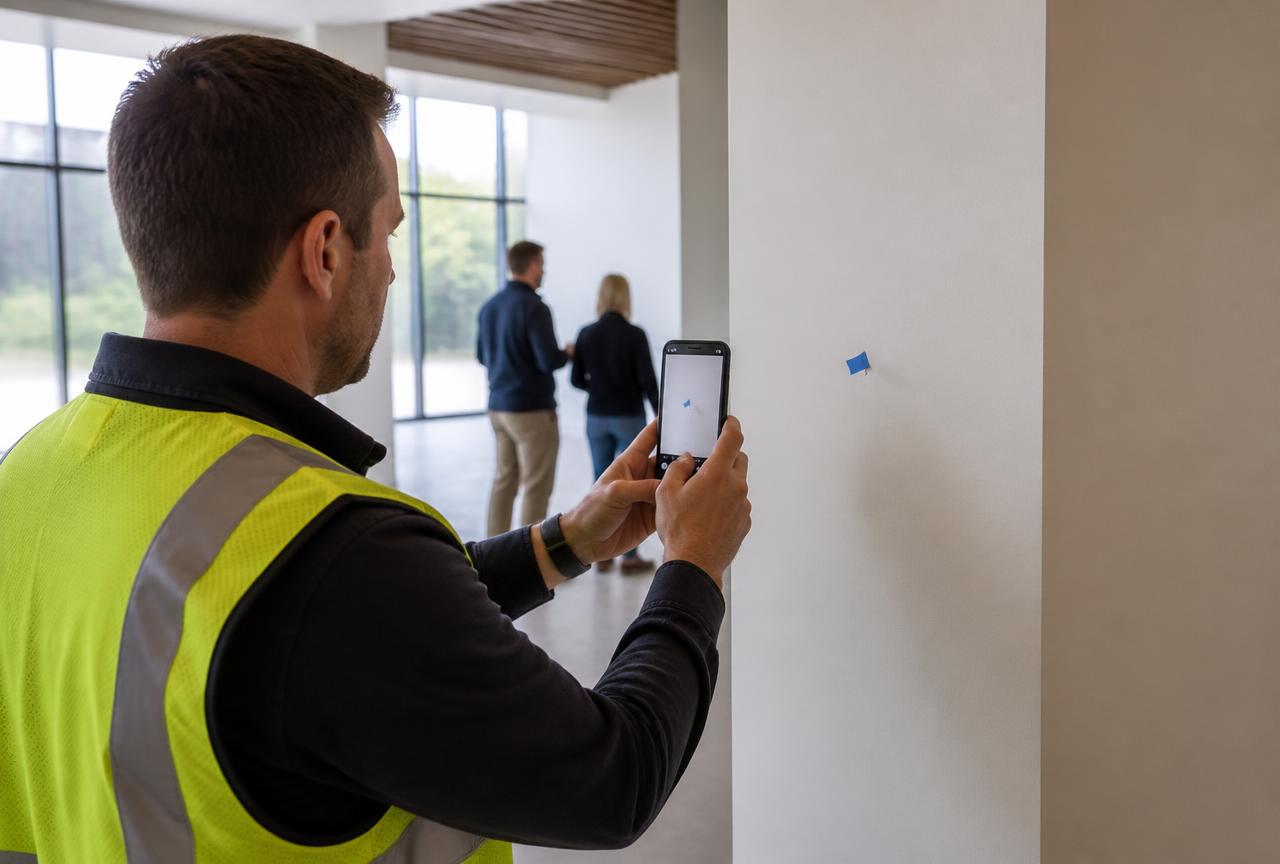
"We settled a two-week delay argument in one meeting because every day had weather, manpower and photos attached. That alone paid for the year."
Simple pricing
Per active project. Unlimited users on every plan, so your whole crew, your PMs and your inspectors are all included at no extra cost.
Common questions
Can I run several projects at once?
Yes. Pricing is per active project and the dashboard rolls up every job, so you can move between them without switching accounts.
Can I mark up drawings inside the app?
Yes. PDFs can be marked up in DailyBuild and published as a new version, with the previous versions kept on the record.
What can I export?
Daily reports, timesheets, safety records and punchlists all export as branded PDF or Excel files, individually or over a date range.
Can I limit what subs and owners see?
Yes. Role-based access lets you invite subcontractors, owners and inspectors and scope them to the projects and records they need.
Put your next job on DailyBuild today
Set up a project in a couple of minutes, invite the whole crew for free, and have your first report filed before the end of the shift.
14-day free trial · No credit card required to start · Cancel anytime