

Field hours and receipts in QuickBooks, without retyping.
Connect QuickBooks Online once. Approved timesheets, receipts and mileage from the field sync to your books, and every item shows whether it went through.
- Approved timesheets sync to QuickBooks
- Receipts and mileage sync too
- Map projects, workers and cost codes once
- Sync status and retry on every item
14-day free trial · No credit card required to start · Cancel anytime
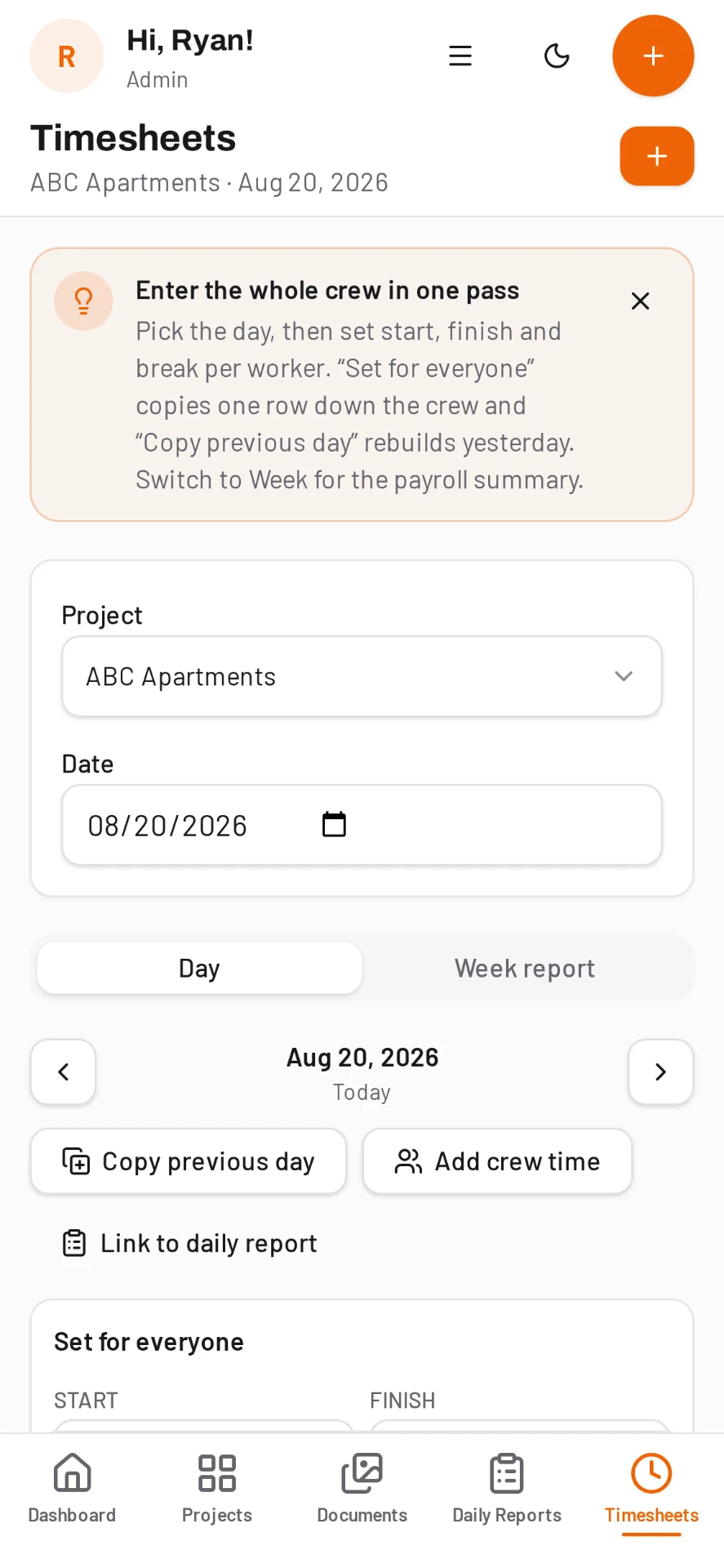
Only approved records are sent
Hours go through payroll review first. Once a week is approved it is locked, so what reaches QuickBooks matches what the office signed off.
- Regular, overtime and total hours
- Subcontractor labor kept separate
- Receipts photographed in the field
- Mileage logged against the job
Mapping you review once
The admin checks which DailyBuild projects, workers and cost codes match QuickBooks. After that the field keeps working the way it already does, and coding carries through.
Every sync is visible
Synced items show their QuickBooks status in DailyBuild. If something does not go through, you see it and can retry instead of finding out at month end.
Common questions
Which version of QuickBooks does DailyBuild support?
QuickBooks Online.
What syncs to QuickBooks?
Approved timesheets, receipts and mileage.
Who can connect QuickBooks?
A company admin. The QuickBooks section under Profile, then Integrations, is admin-only.
Does DailyBuild run payroll?
No. DailyBuild collects, reviews and approves hours, then sends them to QuickBooks or exports them for your payroll provider.
What happens if a sync fails?
The item shows its status in DailyBuild and can be retried.
Try it on your next job
Set up a project in a few minutes and put your whole crew on it for free.
14-day free trial · No credit card required to start · Cancel anytime
Quick answer
How does DailyBuild connect to QuickBooks?
A company admin connects your QuickBooks Online account from Profile, then Integrations, and reviews the mappings that match DailyBuild projects, workers and cost codes to QuickBooks.
From then on, approved timesheets, receipts and mileage sync to QuickBooks. Each synced item shows its status, and anything that fails can be retried. DailyBuild does not run payroll; it sends approved records to the books you already use.
| What it is | Construction field management software (daily reports, timesheets, photos, tasks, documents) |
|---|---|
| Pricing model | Per active project, not per user |
| Plans | Starter $49/mo (1 project), Team $149/mo (5), Pro $249/mo (15), Business $399/mo (30) |
| Users included | Unlimited on every plan |
| Free trial | 14 days, every feature included |
| Platforms | Native iOS and Android apps, plus any desktop web browser |
| Best for | General contractors and subcontractors running 1 to 30 active jobs who want the daily report done before leaving site |
Full plan details on the pricing page.