

Jobsite photos filed to the right day, automatically.
Photos taken in the app land on the project and the date they belong to, with a caption and the person who took them. No camera roll archaeology at the end of the month.
- Photos attach to the report, task or inspection
- Captions, date and author kept with each photo
- Capture offline and sync later
- Photos included in the report PDF
14-day free trial · You pay nothing today. · Cancel anytime
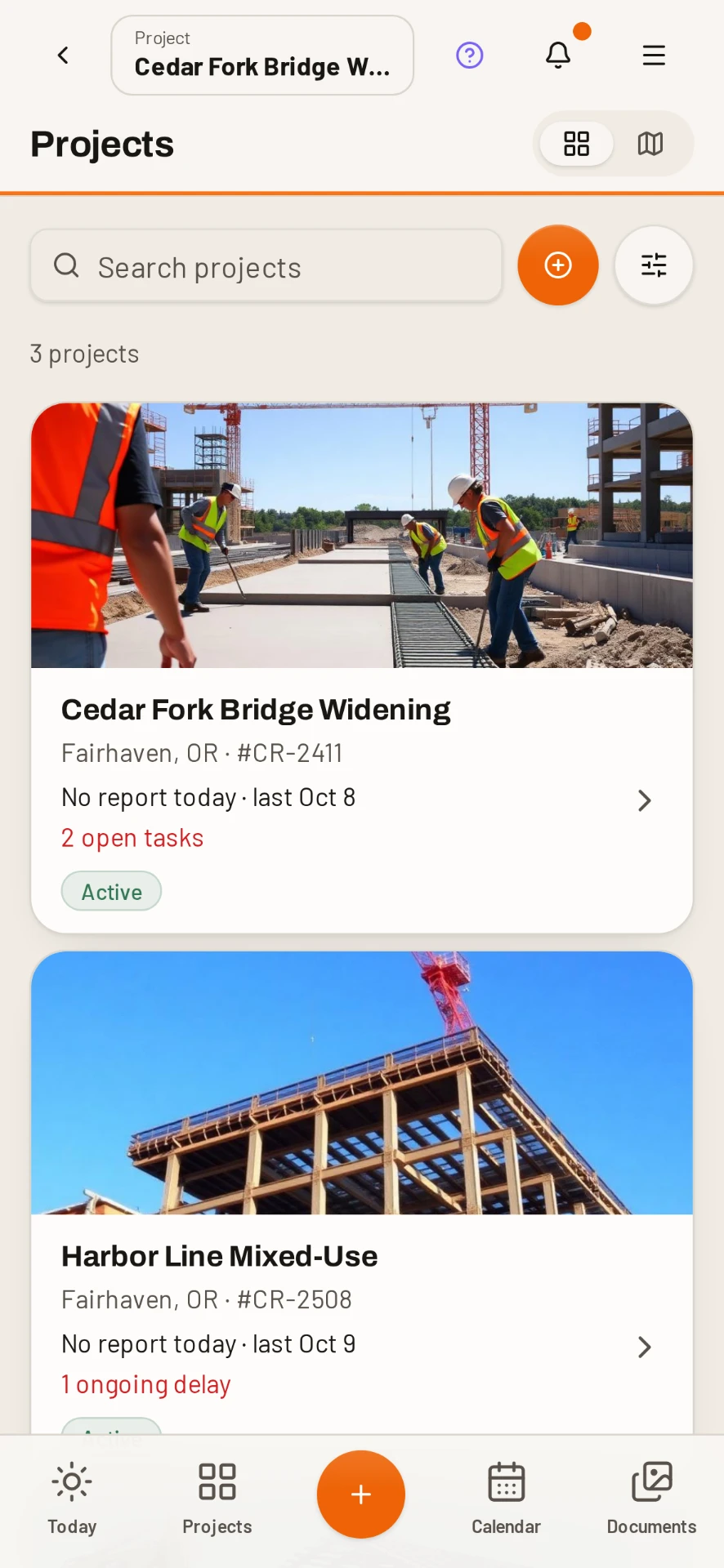
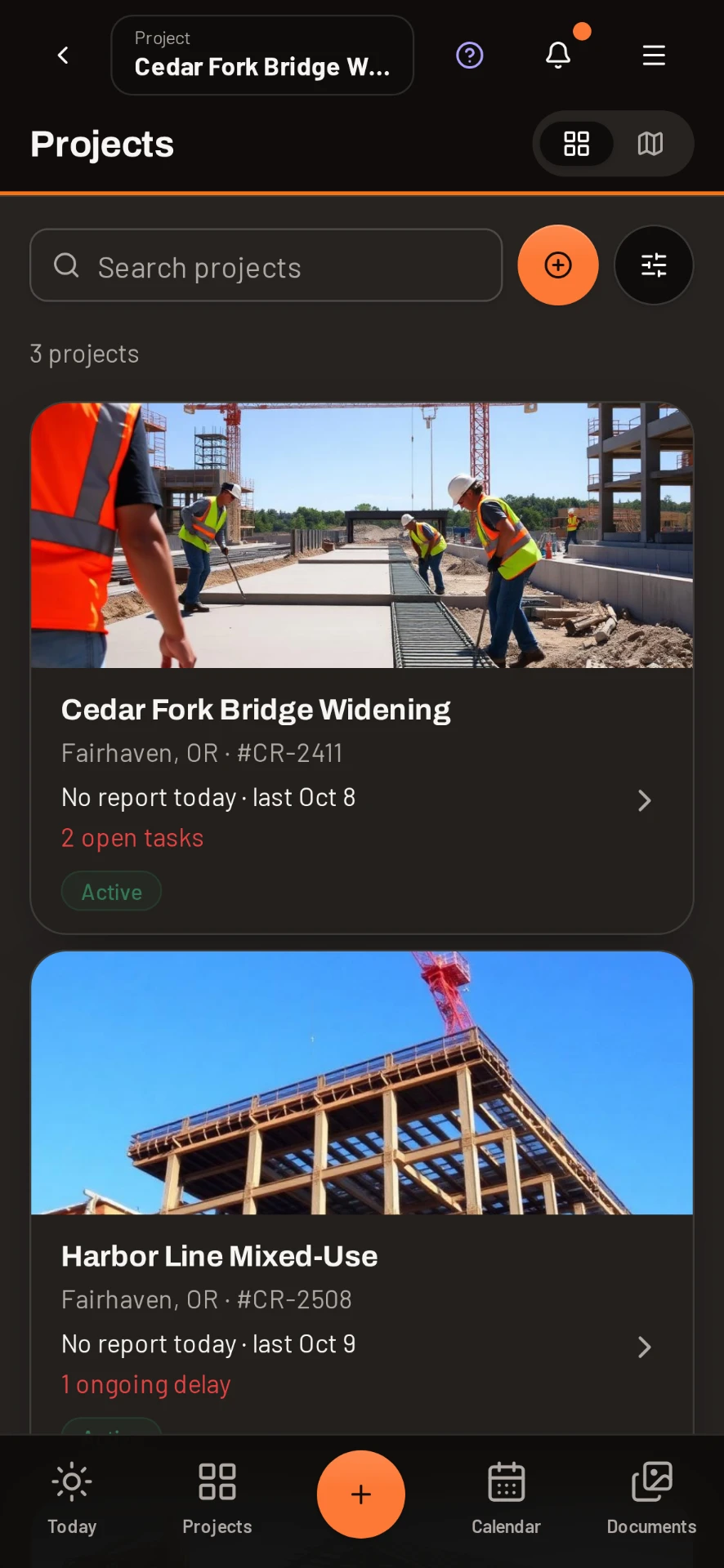
Capture where the work is recorded
The camera is inside the record. Add photos to a daily report, a punch item, a safety observation or a receipt and they stay attached to it forever.
- Multiple photos per record
- Caption each photo
- Author and timestamp kept automatically
- Before and after pairs on punch items
- Receipt photos tagged to cost codes
- Works without signal
Find any photo months later
Browse by project and date instead of scrolling a phone gallery. Because every photo lives on a dated record, the progress history of a job is already assembled.
Photos go out with the paperwork
The daily report PDF, the punch list PDF and the toolbox talk export all carry their photos, so the person receiving the document sees the evidence without a separate email of attachments.
Nobody pays per seat to contribute
Every person on the job can be invited for free, so the photo record is not limited to whoever bought a licence.
Common questions
Can photos be taken without an internet connection?
Yes. Photos and their records save on the device and upload when the phone is back in coverage.
Are photos included in the daily report PDF?
Yes. Photos attached to a report are included in the exported PDF along with captions.
Is there a limit on how many photos I can add?
No per-photo charge. Photos are included with your project plan.
Who can see the photos?
Anyone you invite to the project. Roles control access to costs and rates, not to the visual record.
Try it on your next job
Set up a project in a few minutes and put your whole crew on it for free.
14-day free trial · You pay nothing today. · Cancel anytime
Quick answer
How should contractors document a jobsite with photos?
Good photo documentation ties each picture to a project, a date and the work it shows, so it can be found again months later during a dispute or a closeout.
DailyBuild captures photos inside the daily report, task, punch item or inspection they belong to, so the filing happens as the photo is taken rather than afterwards.
| What it is | Construction field management software (daily reports, timesheets, photos, tasks, documents) |
|---|---|
| Pricing model | Per active project, not per user |
| Plans | Starter $49/mo (1 project), Team $149/mo (5), Pro $249/mo (15), Business $399/mo (30) |
| Users included | Unlimited on every plan |
| Free trial | 14 days, every feature included |
| Platforms | Native iOS and Android apps, plus any desktop web browser |
| Best for | General contractors and subcontractors running 1 to 30 active jobs who want the daily report done before leaving site |
Full plan details on the pricing page.