

Plan the work. See what actually happened.
Add schedule items, then see them beside reports, timesheets, tasks and punch items on one field calendar. The plan and the daily record stay connected by date.
- Add schedule items from the field or office
- Reports, timesheets, tasks and punch items on the same calendar
- Filter the calendar and open any dated record
- Catch missing reports and schedule impacts early
14-day free trial · No credit card required to start · Cancel anytime
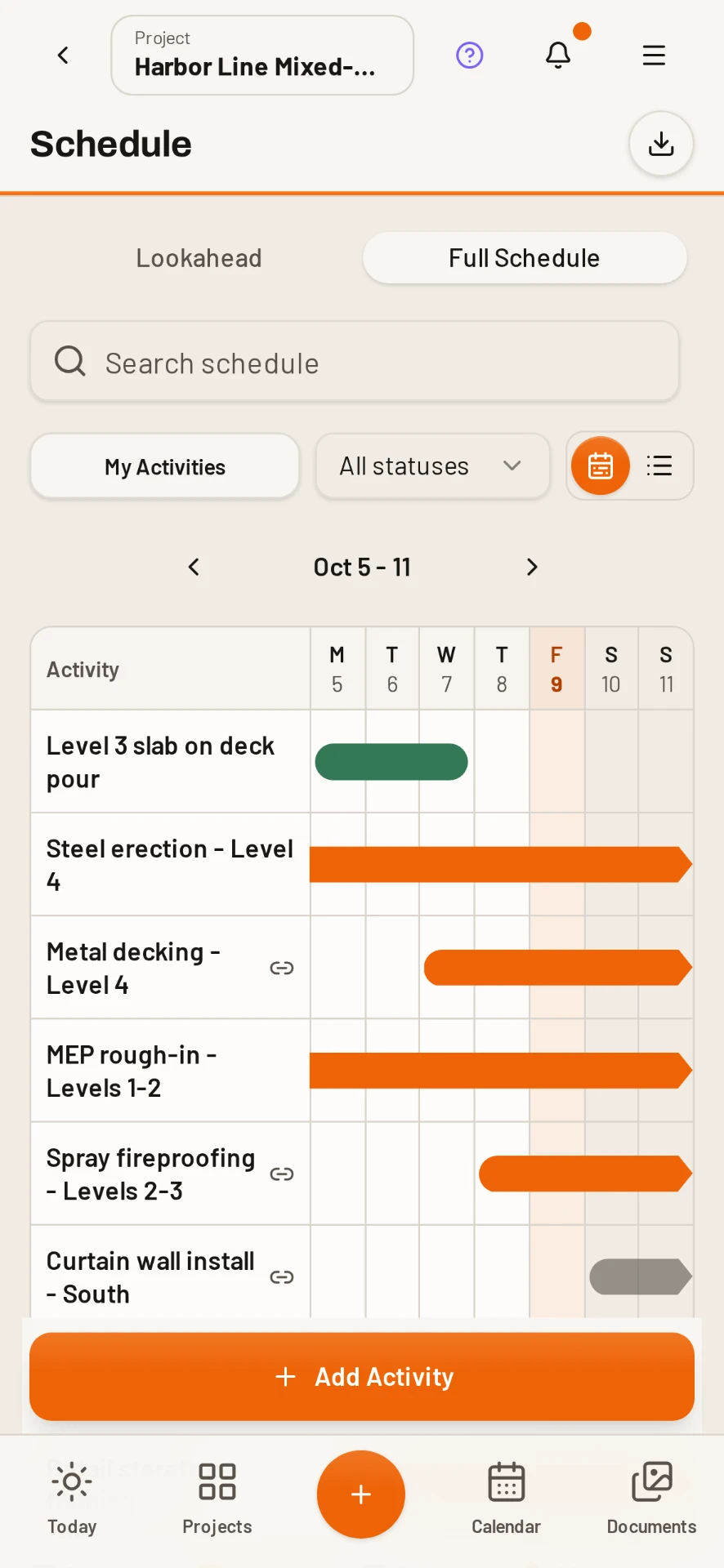
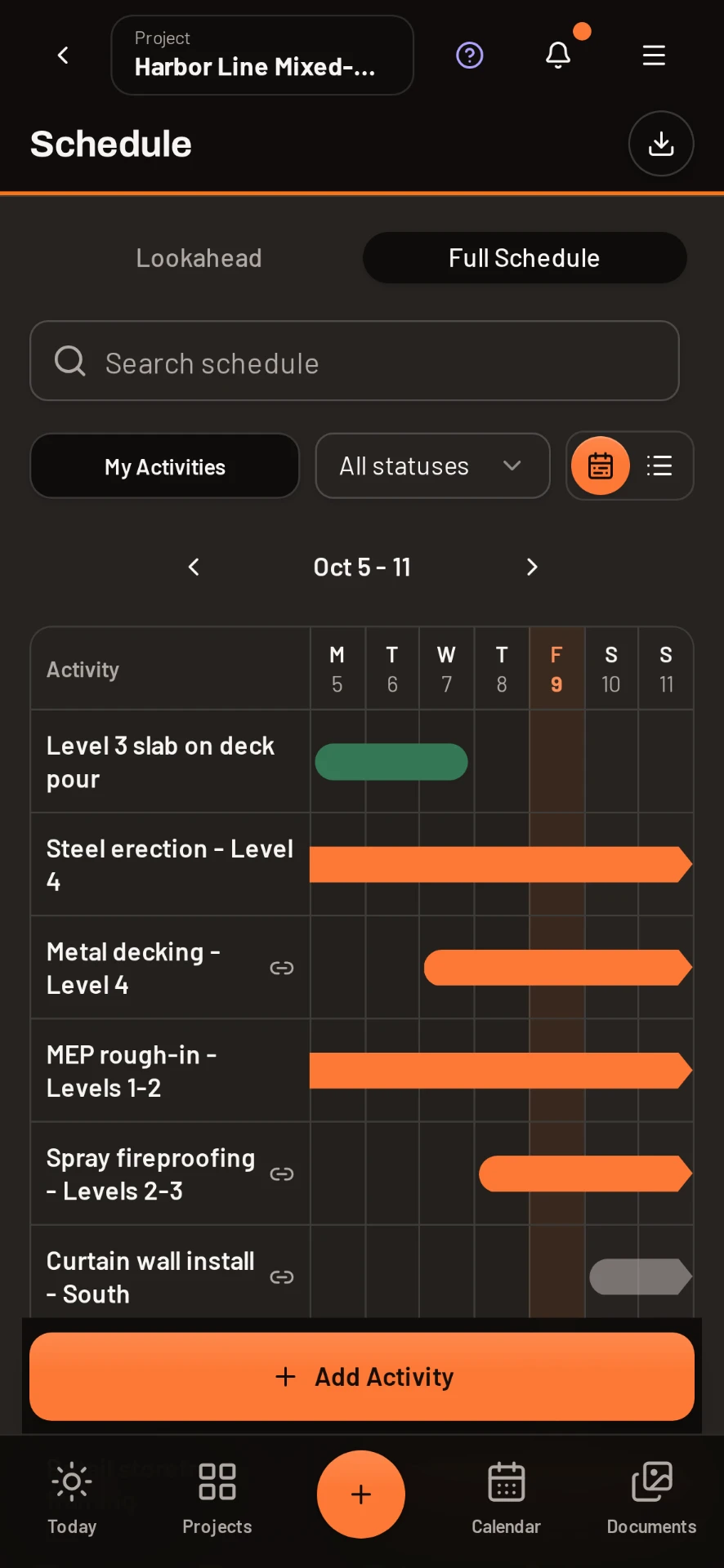
Project timeline
Every project has a day-by-day timeline of reports, photos, milestones, issues and approvals, so you can scroll back through the job instead of digging through folders.
Add field schedule items where the work happens
Create a schedule item from the phone or web app, place it on the right project date and keep the upcoming work visible to the people responsible for recording the day.
- Schedule items by project and date
- Daily report status on the calendar
- Timesheet entries by workday
- Task and punch item due dates
- Calendar filters by record type
- Tap through to the underlying record
One calendar for the plan and the field record
Reports, timesheets, tasks, punch items and schedule items use a clear color key on the same month. Select a date to review the records below it instead of jumping between separate lists.
Spot the missing day before it becomes a missing record
A gap in the report pattern is visible immediately. Project managers can chase the missing entry while the crew still remembers the day, not during closeout or a delay review.
Connect delays to the schedule date
Daily reports record hours lost, the responsible party and schedule impact on the day the delay occurred. That dated record gives the office the context it needs for a change order or progress discussion.
Plan the sequence in Gantt. Run the day in DailyBuild.
Use the free construction Gantt workbook for phases, durations and the 26-week plan. Use DailyBuild Schedule for the dated field work, daily reports, labor, tasks and photos that show how the plan is progressing.
Common questions
Can I add schedule items in DailyBuild?
Yes. Add a schedule item from the calendar and place it on the date and project where the work belongs.
What appears on the Schedule calendar?
Schedule items, daily reports, timesheets, tasks and punch items appear together, with a color key and filters for each record type.
Does DailyBuild replace CPM or Gantt scheduling software?
No. DailyBuild manages the dated field schedule and daily record. Use the free Gantt template or your existing planning tool for critical-path sequencing.
Can DailyBuild document schedule impacts?
Yes. Delay entries record hours lost, the responsible party and schedule impact inside the daily report for the date the event happened.
Can I use Schedule on a phone?
Yes. The Schedule calendar and its records are available in the mobile app and on the web.
Try it on your next job
Set up a project in a few minutes and put your whole crew on it for free.
14-day free trial · No credit card required to start · Cancel anytime
Quick answer
What is construction scheduling software for the field?
Field scheduling software turns the project plan into dated work the crew can see and update, while keeping the reports, labor, tasks and issues from each day close to that plan.
DailyBuild combines schedule items with the daily field record. Project managers can see what was planned, what was documented and where a missing report or delay needs attention without rebuilding the week from separate tools.
| What it is | Construction field management software (daily reports, timesheets, photos, tasks, documents) |
|---|---|
| Pricing model | Per active project, not per user |
| Plans | Starter $49/mo (1 project), Team $149/mo (5), Pro $249/mo (15), Business $399/mo (30) |
| Users included | Unlimited on every plan |
| Free trial | 14 days, every feature included |
| Platforms | Native iOS and Android apps, plus any desktop web browser |
| Best for | General contractors and subcontractors running 1 to 30 active jobs who want the daily report done before leaving site |
Full plan details on the pricing page.