

Delays logged the day they happen not the week you argue about them.
Hours lost, who caused it, what it did to the schedule, with the photo. That is the difference between a paid change order and a written-off week.
- Hours lost and responsible party
- Schedule impact captured per event
- Photos and notes attached
- Change order drafted from the record
14-day free trial · No credit card required to start · Cancel anytime
Change events with the backup already attached
DailyBuild scans delays, weather and report notes to surface work that may fall outside the contract, grouped into suggested events with a rough cost and labor-hour estimate. Nothing is sent automatically: you confirm the ones worth pursuing and a branded PDF backup package is filed under Documents.
Captured in the daily report, not a separate chore
Delays are entered on the report for the day they happened, with hours lost and the responsible party, so there is no second system anyone has to remember.
- Delay type and description
- Hours lost
- Responsible party
- Schedule impact
- Photos as evidence
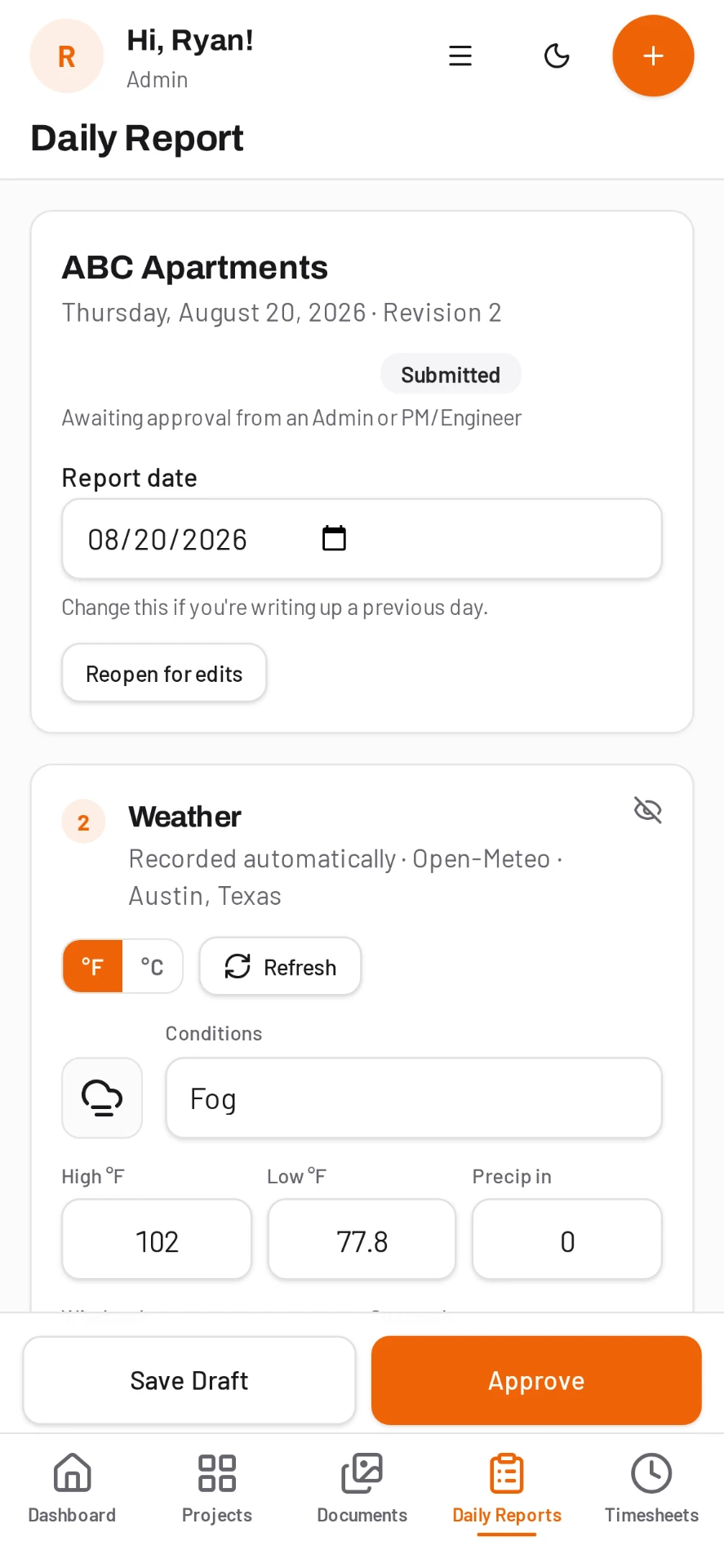
- Weather auto-filled from the job address
Weather is on the record automatically
Each daily report pulls weather for the job address, so a weather day is already documented with conditions rather than an after-the-fact claim you have to prove.
From delay to change order
When a delay turns into cost, the change order is drafted from the logged event with the hours, cause and impact already attached, instead of assembling it from memory and text messages.
Roll it up per project
Filter delays by project and date range to see total hours lost and who caused them, which is the conversation you want to have with an owner before the job closes out.
Common questions
Does the delay log include weather?
Yes. Daily reports auto-fill weather from the job address, so weather delays are documented with conditions.
Can I export delays for a claim?
Yes. Delays are part of the project record and export with your reports and cost reporting.
Can I create a change order from a delay?
Yes. Change orders can be drafted from the logged delay so the cause and hours carry across.
Is this included or an add-on?
Included. Every feature is on every plan, priced per active project with unlimited users.
Try it on your next job
Set up a project in a few minutes and put your whole crew on it for free.
14-day free trial · No credit card required to start · Cancel anytime
Quick answer
What is a construction delay log?
A delay log is a dated record of every event that stopped or slowed work, including how long it lasted, who or what caused it, and the effect on the schedule.
It is the primary evidence in a delay claim or a change order. DailyBuild captures the delay inside the same daily report the foreman is already filling in, so the record exists before anyone needs it.
| What it is | Construction field management software (daily reports, timesheets, photos, tasks, documents) |
|---|---|
| Pricing model | Per active project, not per user |
| Plans | Starter $49/mo (1 project), Team $149/mo (5), Pro $249/mo (15), Business $399/mo (30) |
| Users included | Unlimited on every plan |
| Free trial | 14 days, every feature included |
| Platforms | Native iOS and Android apps, plus any desktop web browser |
| Best for | General contractors and subcontractors running 1 to 30 active jobs who want the daily report done before leaving site |
Full plan details on the pricing page.