

Incidents recorded the way OSHA expects.
Capture the incident on the day it happens with the detail the log needs, then export an OSHA 300 style workbook instead of rebuilding it from memory in January.
- Recordable flag and injury classification
- Days away and days restricted tracked
- Root cause and corrective action fields
- OSHA 300 style Excel export
14-day free trial · No credit card required to start · Cancel anytime
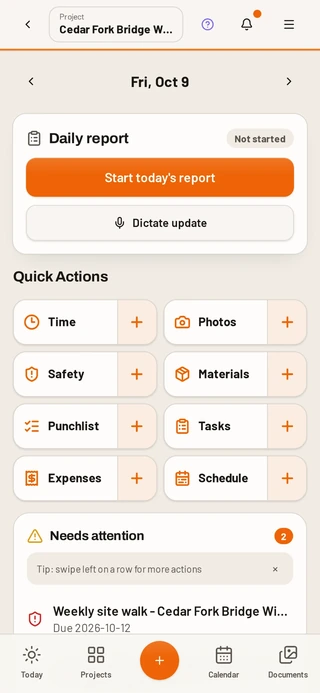
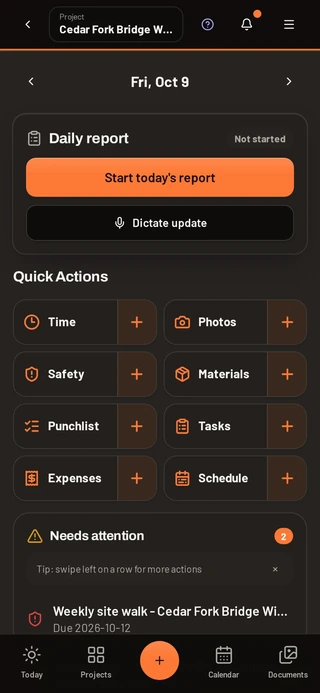
The report gets filled in while the detail is fresh
Anyone on site can start an incident report from their phone. The form asks for what matters and nothing else, so it gets finished the same day.
- Date, time, location and project
- Injury type and body part
- Recordable and lost time flags
- Days away and days restricted
- Witnesses and photos
- Root cause and corrective action
Near misses count too
Safe and at-risk observations can be logged by anyone on the crew, which is where most of the useful signal lives. Trends show up on the safety dashboard before they become claims.
Export the log, not a rebuild
Filter by project and date range and export an OSHA 300 style Excel file with the classifications already applied, ready for review before you post it.
Costs and rates stay hidden
Roles decide who sees money. Inspectors and viewers can see safety records without seeing labor rates, unit costs or receipt amounts.
Common questions
Does DailyBuild produce an OSHA 300 log?
It exports an OSHA 300 style Excel file built from your recorded incidents, including recordable flags, injury type and days away or restricted, for your review before posting.
Can field crew report an incident themselves?
Yes. Every user is free, so anyone on the project can start an incident or an observation from their phone.
Can I attach photos and witness statements?
Yes. Photos and notes attach to the incident record and stay with it.
Is incident tracking on every plan?
Yes. The full safety module is included on every plan, priced per active project.
Try it on your next job
Set up a project in a few minutes and put your whole crew on it for free.
14-day free trial · No credit card required to start · Cancel anytime
Quick answer
How do contractors track OSHA recordable incidents?
Contractors must record work-related injuries and illnesses that meet OSHA's recordable criteria, including the injury type, body part affected, and any days away from work or on restricted duty.
DailyBuild captures those fields at the time of the incident and keeps them per project, so the OSHA 300 style export is generated from real records rather than reconstructed at year end.
| What it is | Construction field management software (daily reports, timesheets, photos, tasks, documents) |
|---|---|
| Pricing model | Per active project, not per user |
| Plans | Starter $49/mo (1 project), Team $149/mo (5), Pro $249/mo (15), Business $399/mo (30) |
| Users included | Unlimited on every plan |
| Free trial | 14 days, every feature included |
| Platforms | Native iOS and Android apps, plus any desktop web browser |
| Best for | General contractors and subcontractors running 1 to 30 active jobs who want the daily report done before leaving site |
Full plan details on the pricing page.