

Payroll and billing basics
Getting paid starts with clean paperwork.
Small contractors lose money in two places: hours that never make it onto a pay stub correctly, and work that never makes it onto an invoice at all. This workbook covers both ends - the crew gets an accurate, itemized stub, and the client gets an invoice detailed enough that nobody has a reason to hold it up.
Overtime that calculates itself
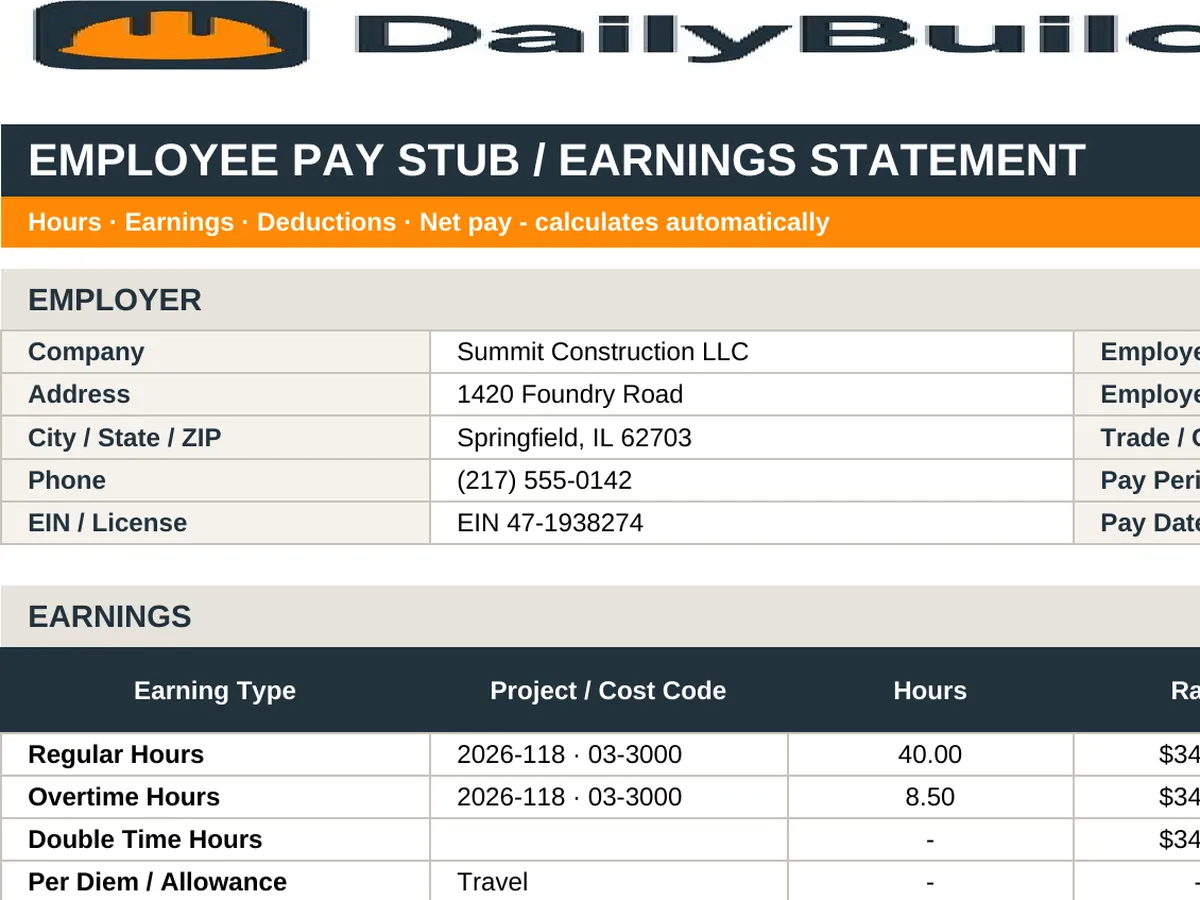
Enter regular, overtime, and double-time hours with their rates and the gross for each band calculates automatically. Under the FLSA, non-exempt employees are owed at least time-and-a-half over 40 hours in a workweek, and several states add daily overtime rules - a stub that shows the split protects you if it is ever questioned.
Itemize the invoice by category
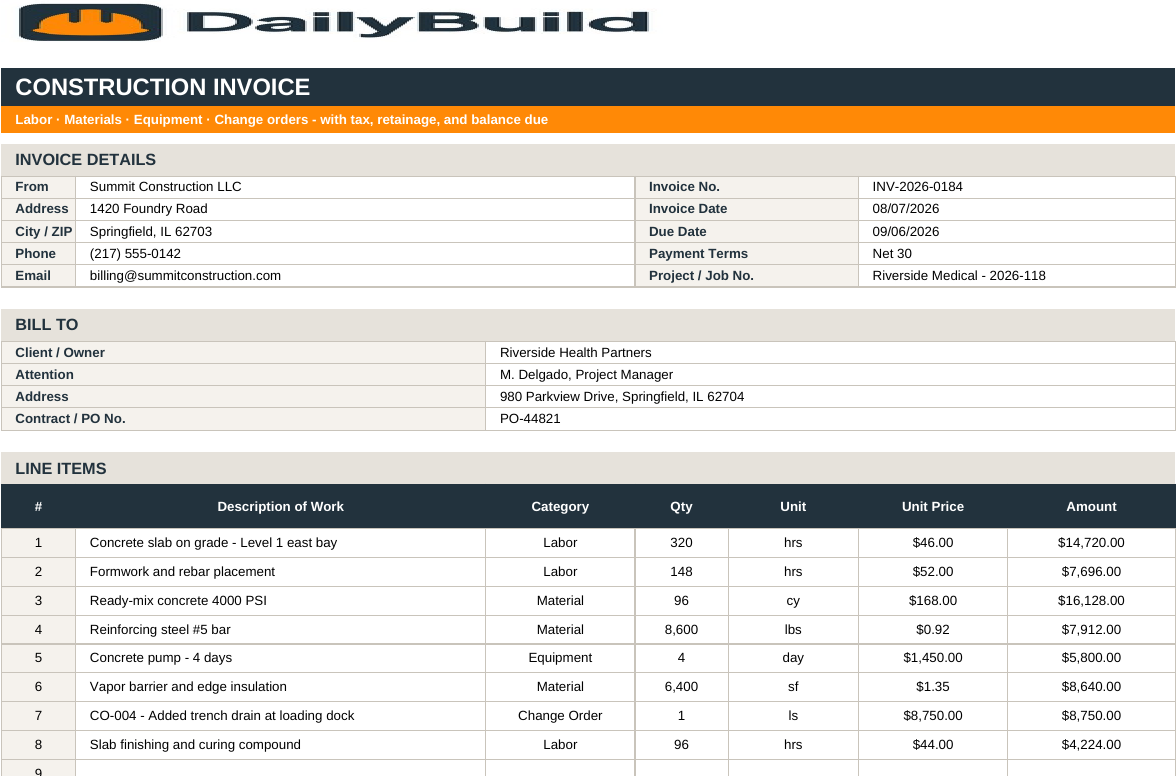
Labor, Material, Equipment, Subcontract, and Change Order categories make an invoice reviewable. Owners and GCs approve what they can verify - lump-sum invoices with a single line get questions, and questions get slow payment.
Retainage, tax, and balance due
Set your sales tax and retainage percentages once on the Settings tab and every invoice computes subtotal, tax, retainage withheld, previous payments, and balance due. Showing retainage explicitly keeps the number visible so it can be billed at closeout instead of forgotten.
Terms belong on the document
State your payment terms - Net 15, Net 30, Net 45 - and the due date on the face of the invoice. It anchors the follow-up conversation and, in many states, supports prompt-payment remedies if the invoice goes unpaid.


